
Keep more than a phone number.
Store the main contact, additional contacts, and service properties with the customer. Add internal notes and attachments for the office to refer to.
CUSTOMERS & TEAMS
Bring contacts, service properties, and the details worth remembering into one place. Give your office the full picture and your field team the information they need for the work assigned to them.
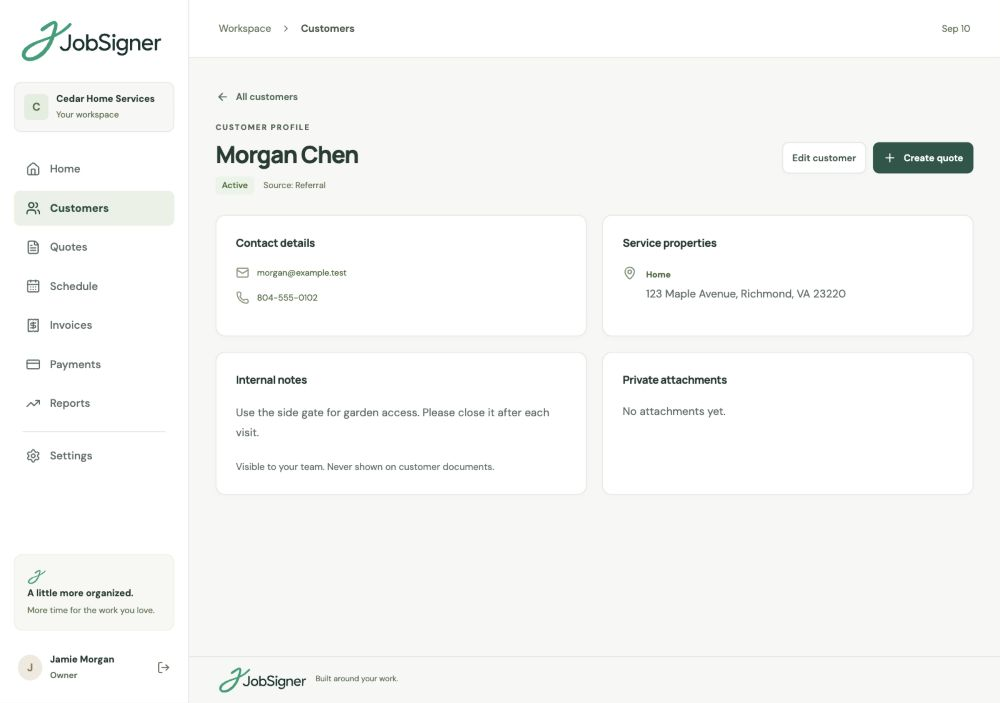
Store the main contact, additional contacts, and service properties with the customer. Add internal notes and attachments for the office to refer to.
Keep useful context in the customer’s internal notes. Open their record before a call or a new quote, with contacts and property details ready to refer to.
Use separate owner, office, and field access. Let the office manage the records while field staff focus on their assigned visits and instructions.
THE DETAILS BEHIND THE JOB
A customer might book work at home and at a rental property, or have someone else you need to contact on arrival. Keep those contacts and labeled properties together. Add internal notes and private attachments so the office can find the context when a new request comes in.
WORKING TOGETHER
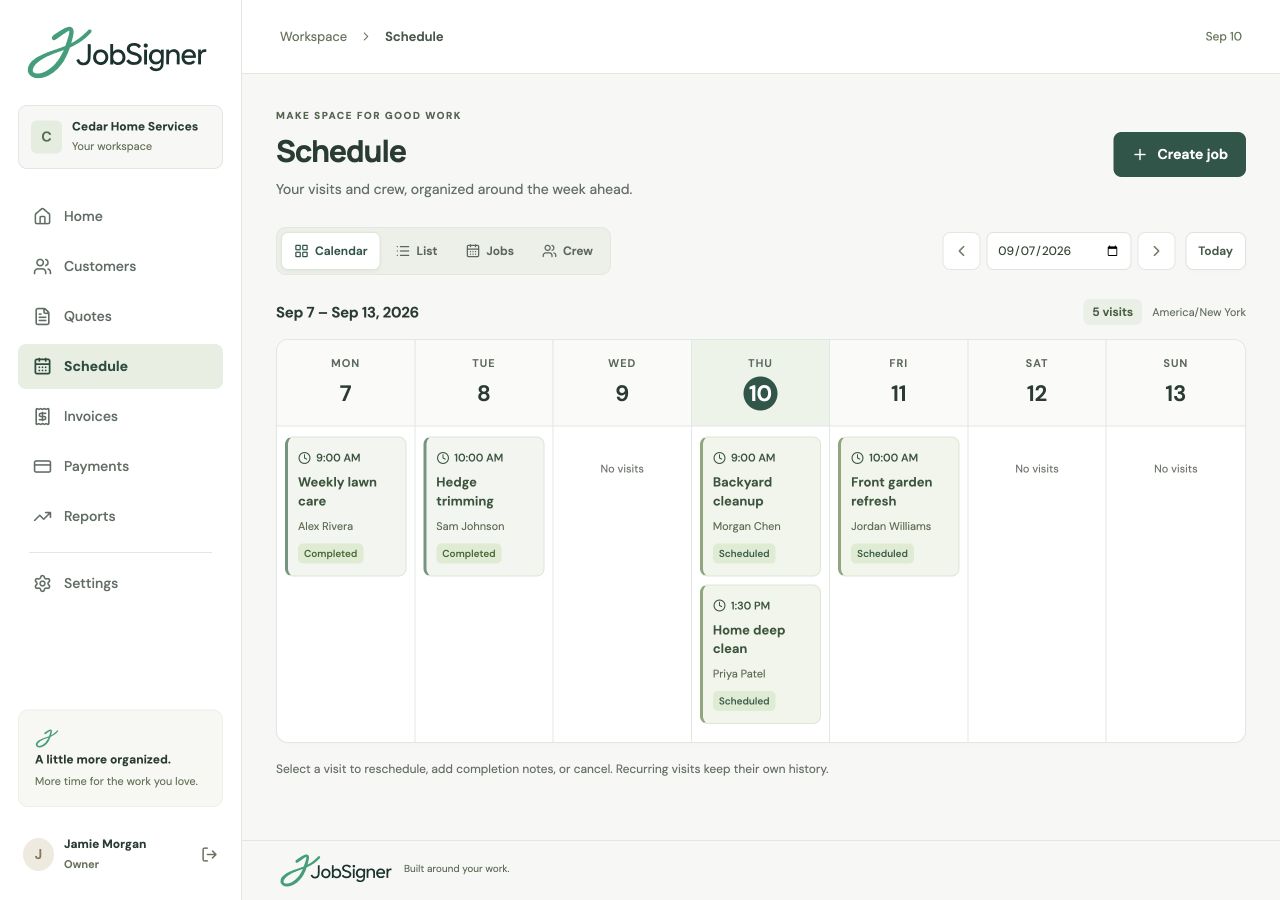
Invite team members with office or field access. Office staff can work with customers and schedules. Field staff see their assigned visits, including contact details, the service property, and job instructions. They can add notes and photos when the visit is complete.
FROM ONE STEP TO THE NEXT
Save their contact details, lead source, and status. Add other contacts and service addresses as you learn more about the work.
Add internal notes and useful attachments. Review the record when preparing the next quote or answering a question about a service property.
Choose the service property, add work instructions, and assign the visit. Your field team gets the details for the work they’re carrying out.
GOOD TO KNOW
Yes. Add labeled service properties to the same customer record, each with its own address. When you schedule a job, choose the property where the work will take place.
Yes. Mark a customer as a lead, active, or inactive and record their lead source. You can add contact details first, then build out properties and notes as the relationship develops.
Internal customer notes are for the owner and office team. They are not included in customer quote links or the field view. Put the instructions needed for a visit in the job notes so assigned field staff can see them.
Office staff can manage customer records and operational work such as quotes and schedules. Field staff see their assigned visits and can record completion notes and photos. The owner manages team invitations and roles.
YOUR NEXT CHAPTER STARTS HERE
One place for your customers, your crew, and the work ahead.