
Put regular work on the calendar.
Set up weekly or monthly visits alongside one-off appointments. See the week’s commitments together when you’re planning the next job.
SCHEDULING & CREWS
Bring regular visits, one-off jobs, and your crew’s assignments onto the same schedule. Keep the address and instructions with the work, from the first visit to the final update.
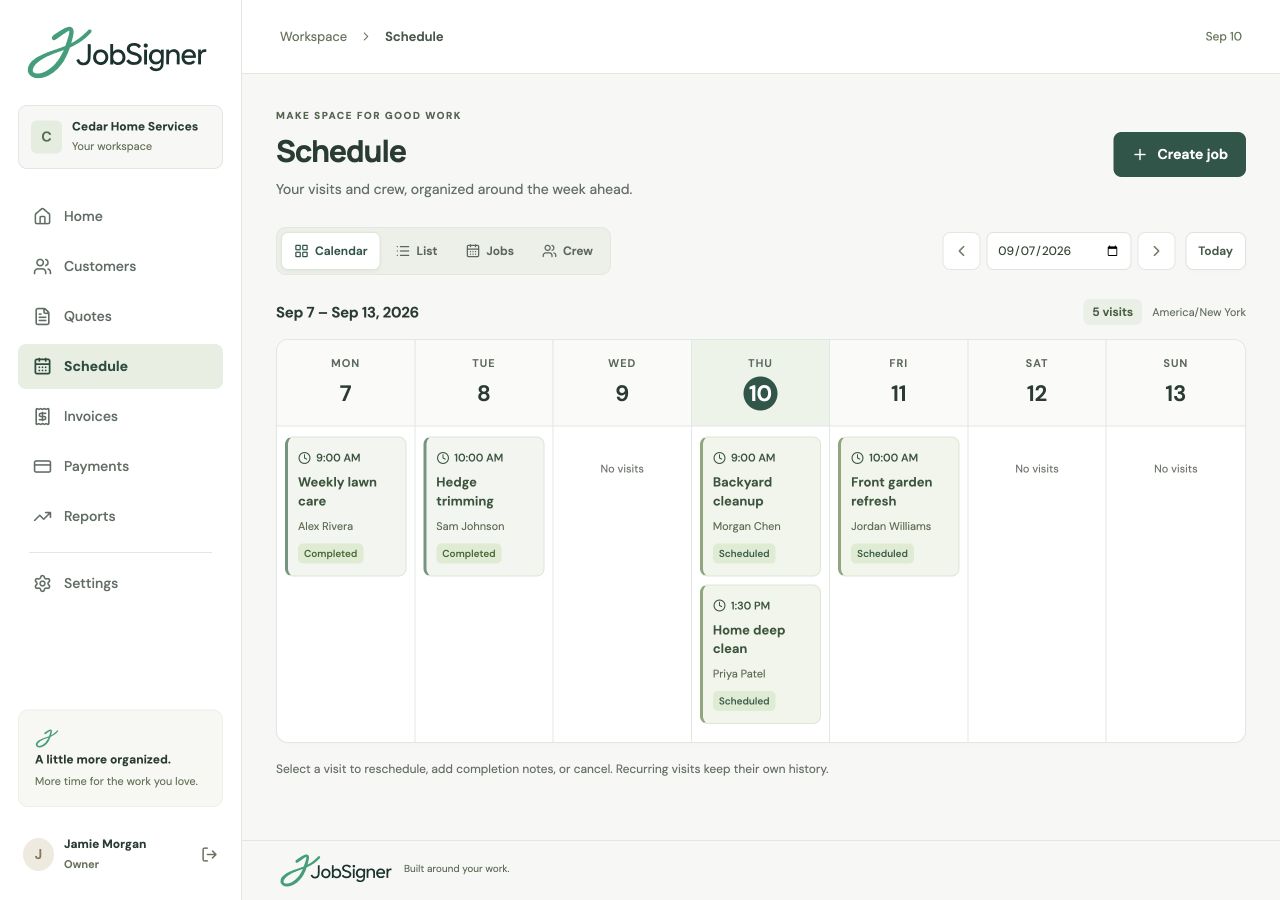
Set up weekly or monthly visits alongside one-off appointments. See the week’s commitments together when you’re planning the next job.
Assign workers to the job and include the service property and work instructions. Give field staff the details for their assigned visits.
Add completion notes and photos when the work is finished. The update stays with the visit for the office to refer to afterwards.
REGULAR ROUTINES. ROOM FOR CHANGE.
A weekly lawn care visit, a monthly maintenance visit, and a one-off cleanup belong on the same calendar. Choose the start time and duration, set the repeat pattern, and assign workers. When the plan changes, reschedule the visit so the calendar reflects the new arrangement.
A USEFUL HANDOFF
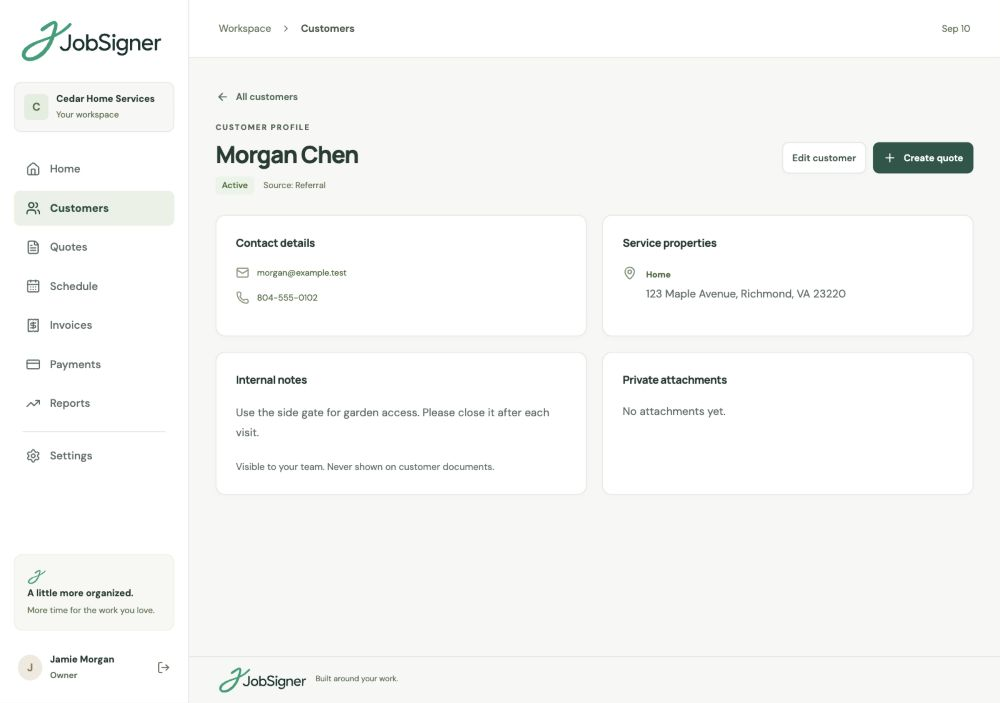
Keep customer contacts and service addresses in the customer record, then put the instructions for the work on the job. Field staff see their assigned visits and can add notes and photos when they complete them. Internal customer notes stay with the office.
FROM ONE STEP TO THE NEXT
Start with a customer or convert an approved quote. Choose the property and add a title and practical work instructions.
Set the date, start time, duration, and workers. Add a weekly or monthly pattern when the customer needs regular service.
Update the visit when the job is complete, with notes and photos that record what was done and anything the office needs to know.
GOOD TO KNOW
Yes. Set up weekly or monthly visits and choose how many occurrences to create. These appear on the schedule alongside one-off jobs, with worker assignments and the service property attached.
No. You can create a job directly for an existing customer. If you have an approved quote, you can convert it into a job to keep the agreed work and pricing connected.
Field staff see visits assigned to their worker record, including the customer’s contact details, service property, and job instructions. They can record completion notes and photos. Internal customer notes and office records are not part of the field view.
Yes. Reschedule an appointment from the schedule when you need to change the plan. The visit remains connected to its job and customer, so the details stay together.
YOUR NEXT CHAPTER STARTS HERE
One place for your customers, your crew, and the work ahead.