Put the agreed finish in writing.
Outline the areas, preparation, and painting services you are quoting. Include your prices and terms so the customer can review the whole proposal.
SOFTWARE FOR PAINTING BUSINESSES
From a single room to an exterior repaint, keep the agreed work, customer approval, crew visits, and payment records together. Spend less of your evening piecing the job back together.

Outline the areas, preparation, and painting services you are quoting. Include your prices and terms so the customer can review the whole proposal.
Schedule the visits and put room names, finish choices, and access arrangements in job instructions for the assigned staff.
Record a deposit, a milestone payment, or the final payment against the invoice. Keep the outstanding balance visible as the job moves forward.
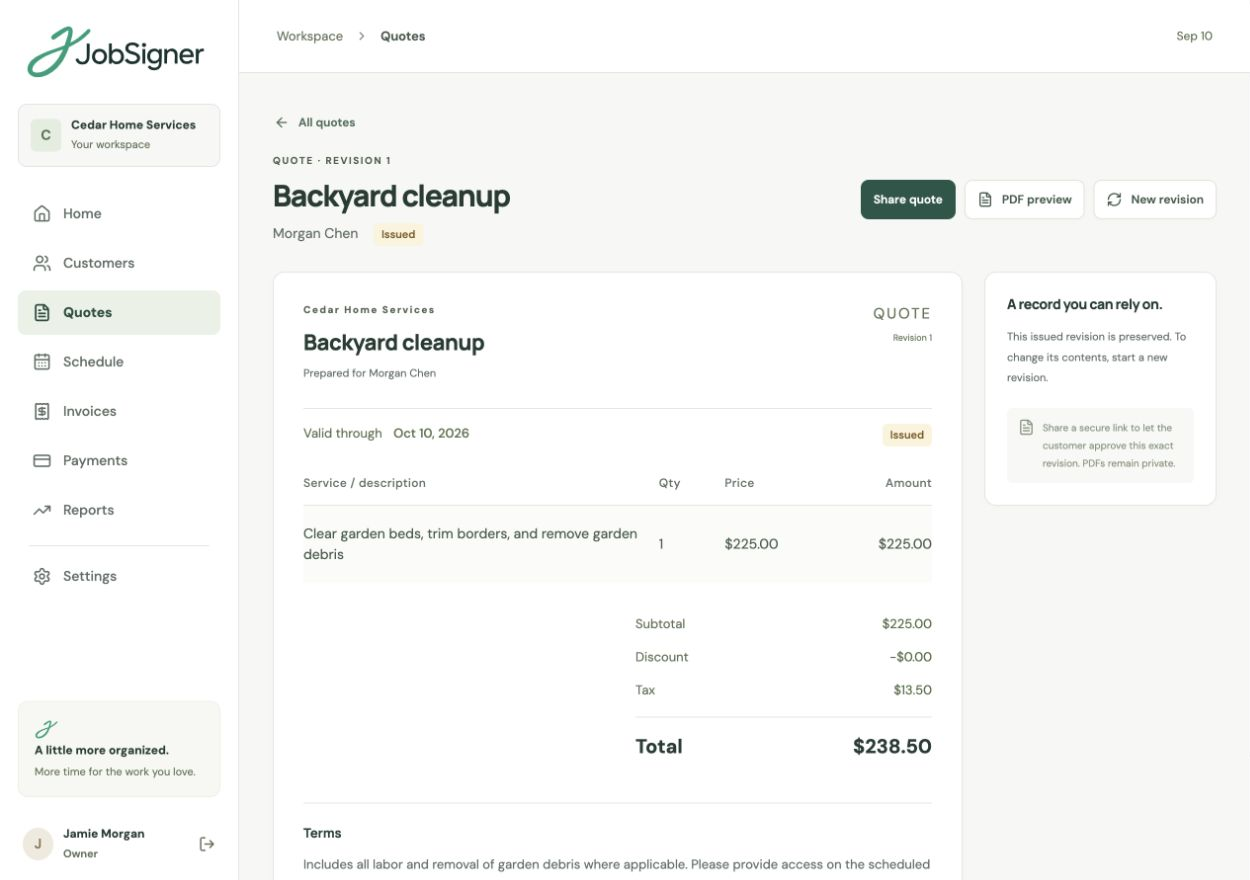
DETAILED QUOTES & APPROVALS
A clear proposal gives both you and the customer a record to work from. Add your services, quantities, and prices, then use the terms to explain the scope. Share a private quote link for approval and keep issued revisions on record when you prepare an updated proposal.
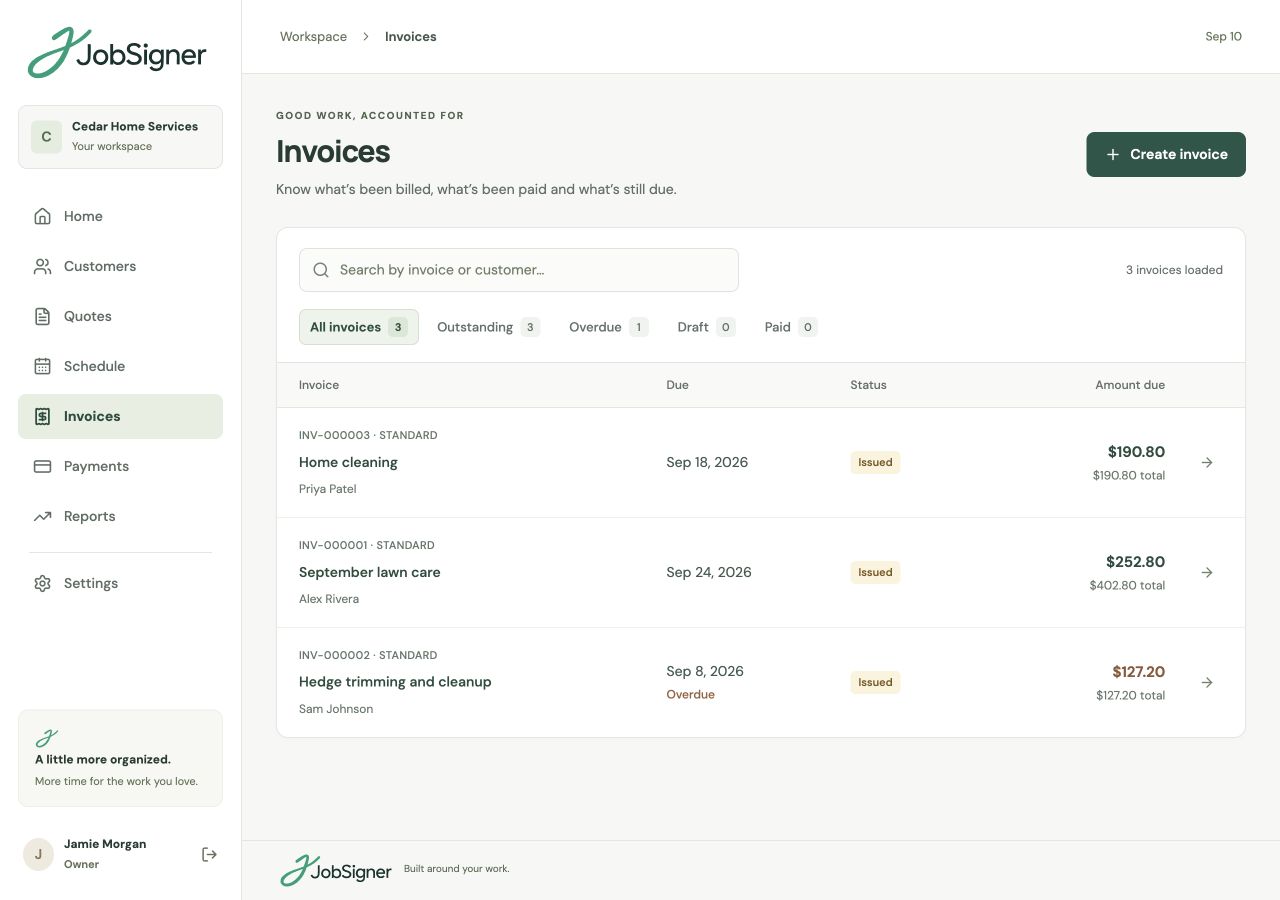
DEPOSITS & PAYMENT RECORDS
Create a numbered invoice and a branded PDF for your customer. Record payments as they come in, whether the customer pays a deposit, in stages, or in full. The invoice balance updates from those payment records, giving you the details for the next billing conversation.
FROM ONE STEP TO THE NEXT
Save the customer and property, prepare the painting quote, and share the proposed work for approval.
Arrange the visits, assign the people doing the work, and add the agreed finishes and practical details to job instructions.
Add completion notes and photos, prepare the invoice, and record each payment against the balance.
GOOD TO KNOW
Yes. Use multiple line items with your own descriptions, quantities, and prices. Add terms that explain the preparation, areas, and painting services included in the proposal.
Yes. Share a private approval link so the customer can review the proposed services, prices, and terms. Their approval is tied to that issued quote revision.
Yes. JobSigner supports deposits, milestone payments, and partial or full recorded payments. Those records update the invoice balance, and you can download receipts for recorded payments.
Add the relevant details to the job instructions so assigned field staff can see them with their work. Keep information intended only for the office in internal customer notes, which are separate from the field view.
YOUR NEXT CHAPTER STARTS HERE
One place for your customers, your crew, and the work ahead.