Give every clean a clear scope.
Separate the regular service from extras such as an oven clean or move-out clean. Let the customer review the work and price before you put it on the calendar.
SOFTWARE FOR CLEANING BUSINESSES
Keep the regular cleans, the one-off deep cleans, and the details between visits in order. JobSigner brings customers, quotes, crew schedules, and invoices into one place.

Separate the regular service from extras such as an oven clean or move-out clean. Let the customer review the work and price before you put it on the calendar.
Schedule weekly or monthly visits alongside one-off jobs. Assign the crew and keep the instructions they need with each job.
See which invoices are open, record full or partial payments, and keep the remaining balance attached to the customer’s work.
CUSTOMERS & PROPERTY DETAILS
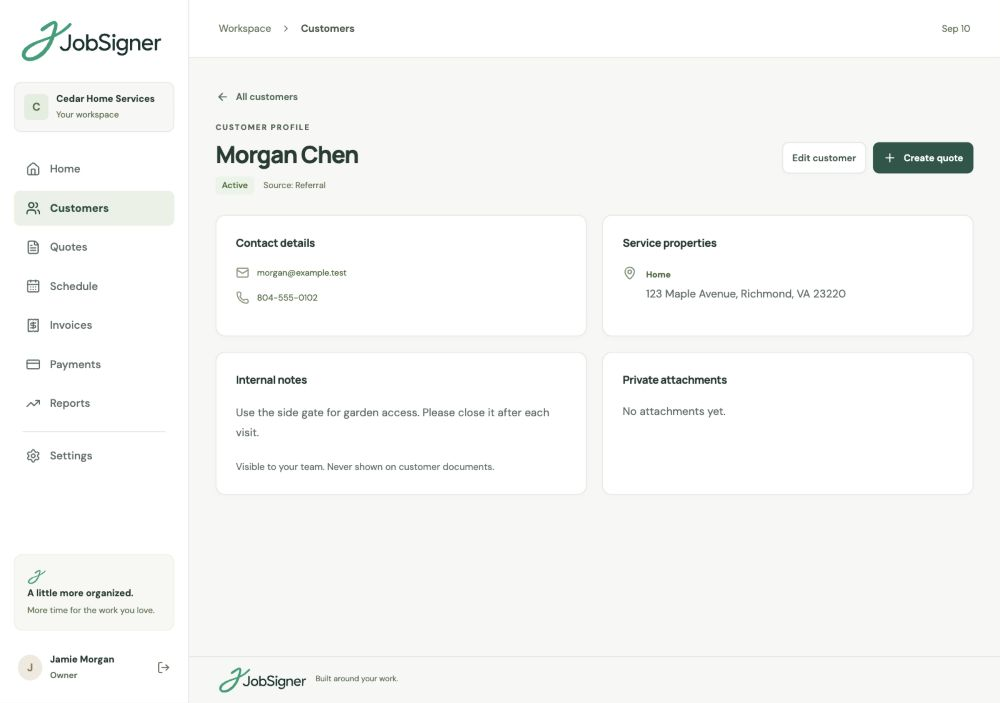
One customer may book their own home, a rental, and a move-out cleaning. Keep those service properties under the right contact. Your office has a place for customer notes and attachments; your cleaning crew gets the job instructions relevant to the visit.
RECURRING VISITS & CREWS
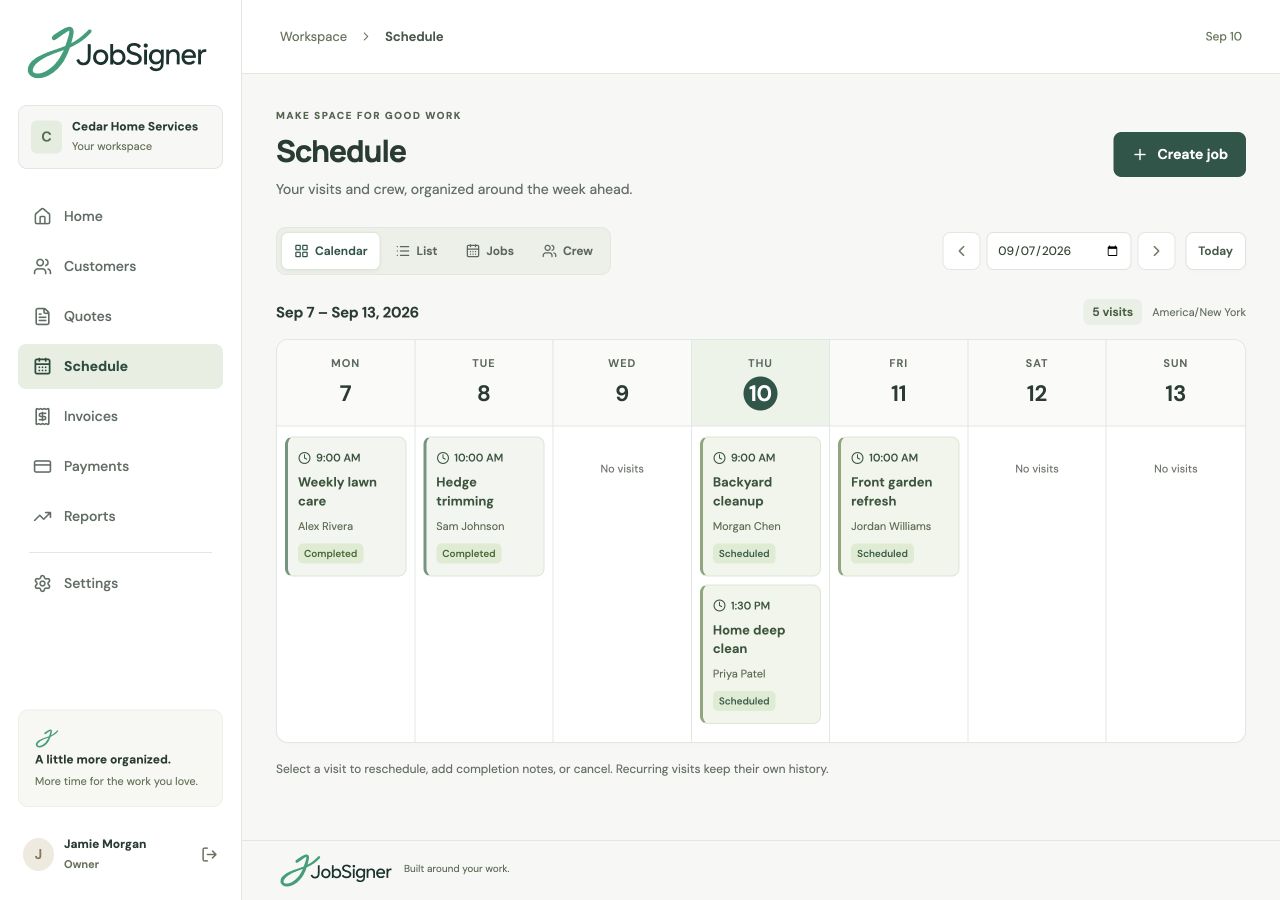
Start with the regular bookings, then make room for a deep clean or a change of plan. Use the same schedule for repeat visits and one-off work, with a clear crew assignment for each appointment. When the clean is finished, your team can add visit notes and photos.
FROM ONE STEP TO THE NEXT
Create the customer and property record, outline the service, and share a private quote link for approval.
Schedule the first visit, choose a repeat pattern when needed, and assign your crew with clear job instructions.
Create the invoice, record payments as they arrive, and check the balance before the next conversation.
GOOD TO KNOW
Yes. JobSigner supports one-off jobs and weekly or monthly recurring visits. They appear on the same schedule, so you can plan regular customers alongside deep cleans and move-out work.
Yes. You can keep several service properties under one customer, with contact information, property details, internal notes, and private attachments available to your office.
Field staff can see their assigned visits, customer details, and job instructions, then add completion notes and photos. Internal customer notes are kept separate from their field view.
Yes. Build a quote with the services, prices, and terms for that work, then share a private approval link. Saved services help you reuse common items without starting from a blank quote.
YOUR NEXT CHAPTER STARTS HERE
One place for your customers, your crew, and the work ahead.