
Keep the property details close.
Give the office one place for customer contacts, service properties, notes, and attachments before arranging another visit.
SOFTWARE FOR MAINTENANCE BUSINESSES
Good maintenance depends on the details from one visit to the next. Keep property records, job instructions, repeat visits, and invoices connected with JobSigner.

Give the office one place for customer contacts, service properties, notes, and attachments before arranging another visit.
Assign the visit and put the agreed tasks in job instructions, so the person carrying out the work can see what needs attention.
Quote additional work for approval while keeping regular visits on the schedule. Each piece of work has a clear next step.
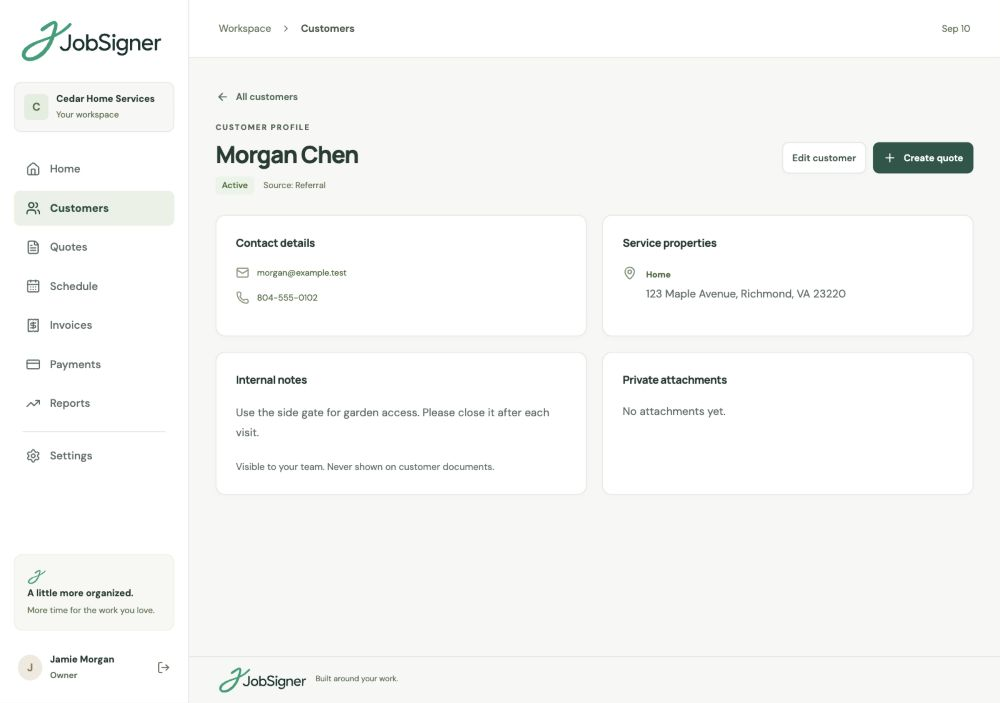
CUSTOMERS & SERVICE PROPERTIES
The same customer may call about several addresses. Keep each service property under the customer record, with office notes and private attachments together. Use the details from previous work to prepare the next job, then give field staff the instructions relevant to their assignment.
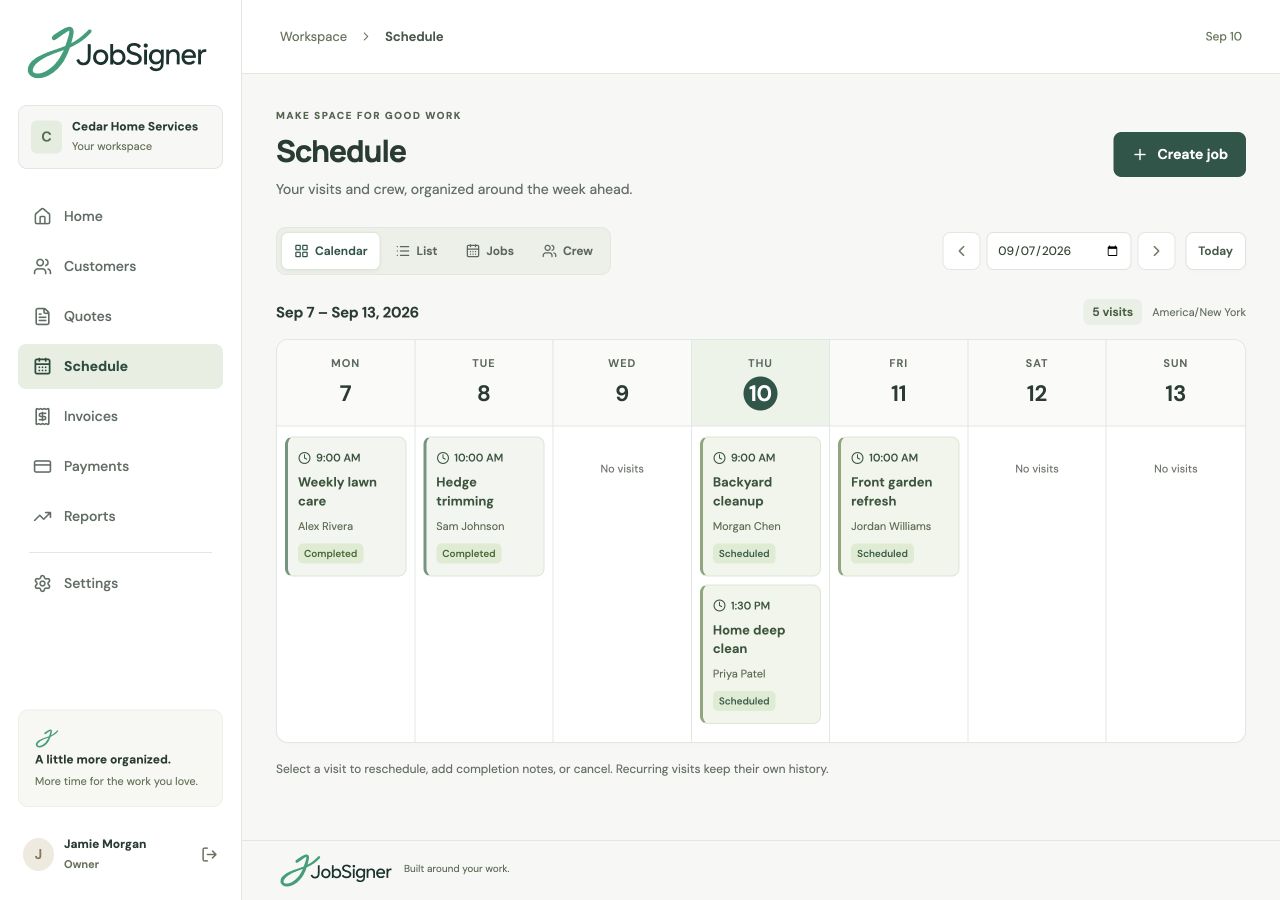
REPEAT VISITS & COMPLETION RECORDS
Plan weekly or monthly visits for ongoing work and add one-off appointments as they arise. Check who is assigned and adjust dates when access or timing changes. Visit notes and completion photos help the office see what happened before arranging follow-up work.
FROM ONE STEP TO THE NEXT
Find the customer and property, review the information on file, and set out the work that needs doing.
Quote additional tasks when needed, schedule the appointment, and assign someone with the right job instructions.
Add visit notes and completion photos, then keep the invoice and recorded payments connected to the work.
GOOD TO KNOW
Yes. A customer can have multiple service properties. Keeping the service addresses and customer information together helps your office prepare the correct details for each job.
Yes. JobSigner supports weekly and monthly recurring visits as well as one-off appointments. You can assign workers and move individual visits when plans change.
Create a quote that describes the additional work, price, and terms. Share a private approval link with the customer, then schedule the work once the scope is agreed.
No. Field staff see their assigned visits, job instructions, and customer details. Internal customer notes stay in the office view, so put the instructions needed to carry out the visit in the job itself.
YOUR NEXT CHAPTER STARTS HERE
One place for your customers, your crew, and the work ahead.